Free to start · no sign-up needed
Your trip toKyoto, planned in one place.
Planned in one place. Say where you’re going and get a day-by-day plan with real flights, hotels, a map and a budget, and share it with the people coming.
The real app, open on a sample trip. Click around.
Plans
Plans it
with you.
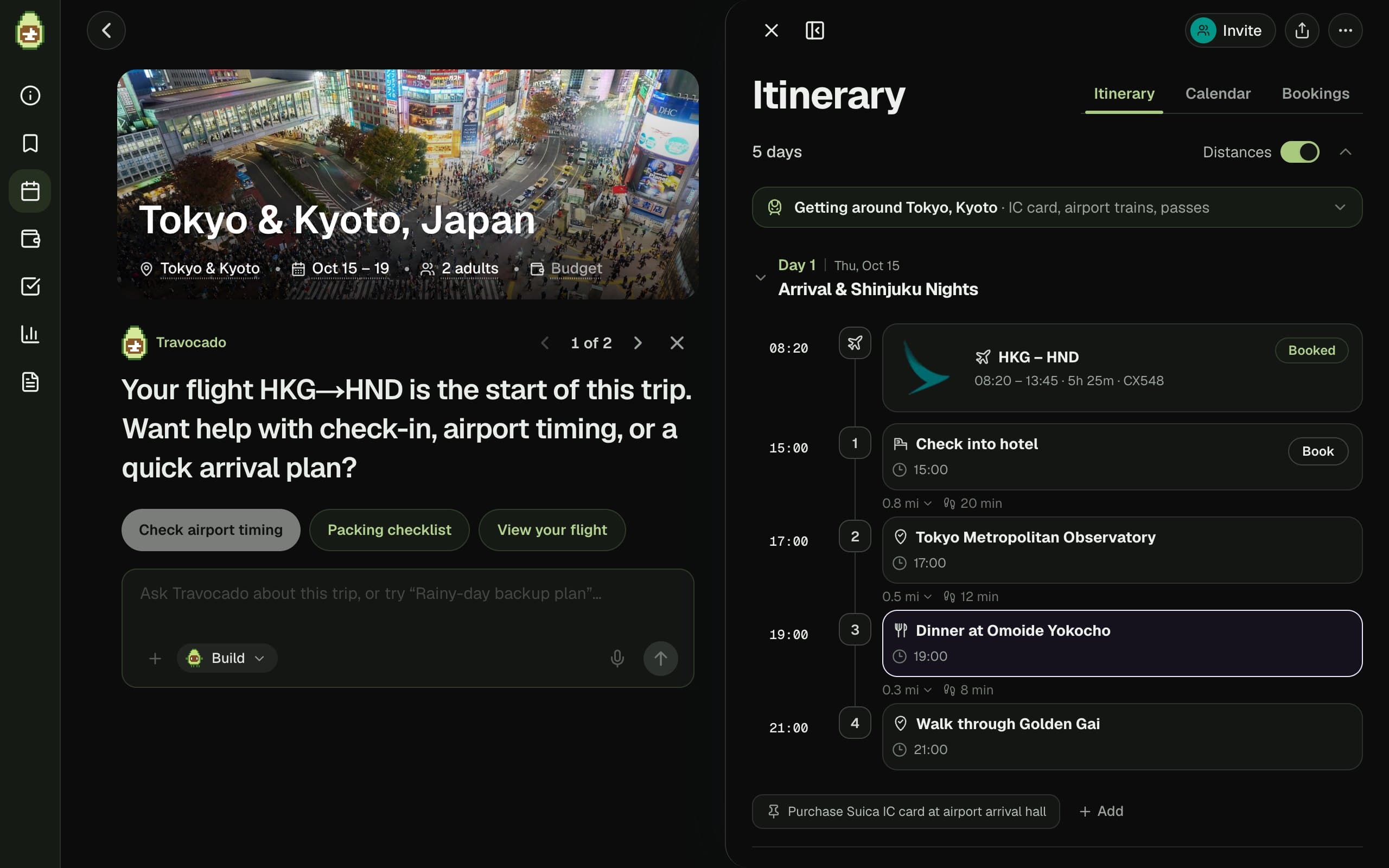
Say where, when and who is coming. You get a day-by-day plan with real places, times and the walk or ride between each stop, ready to edit.
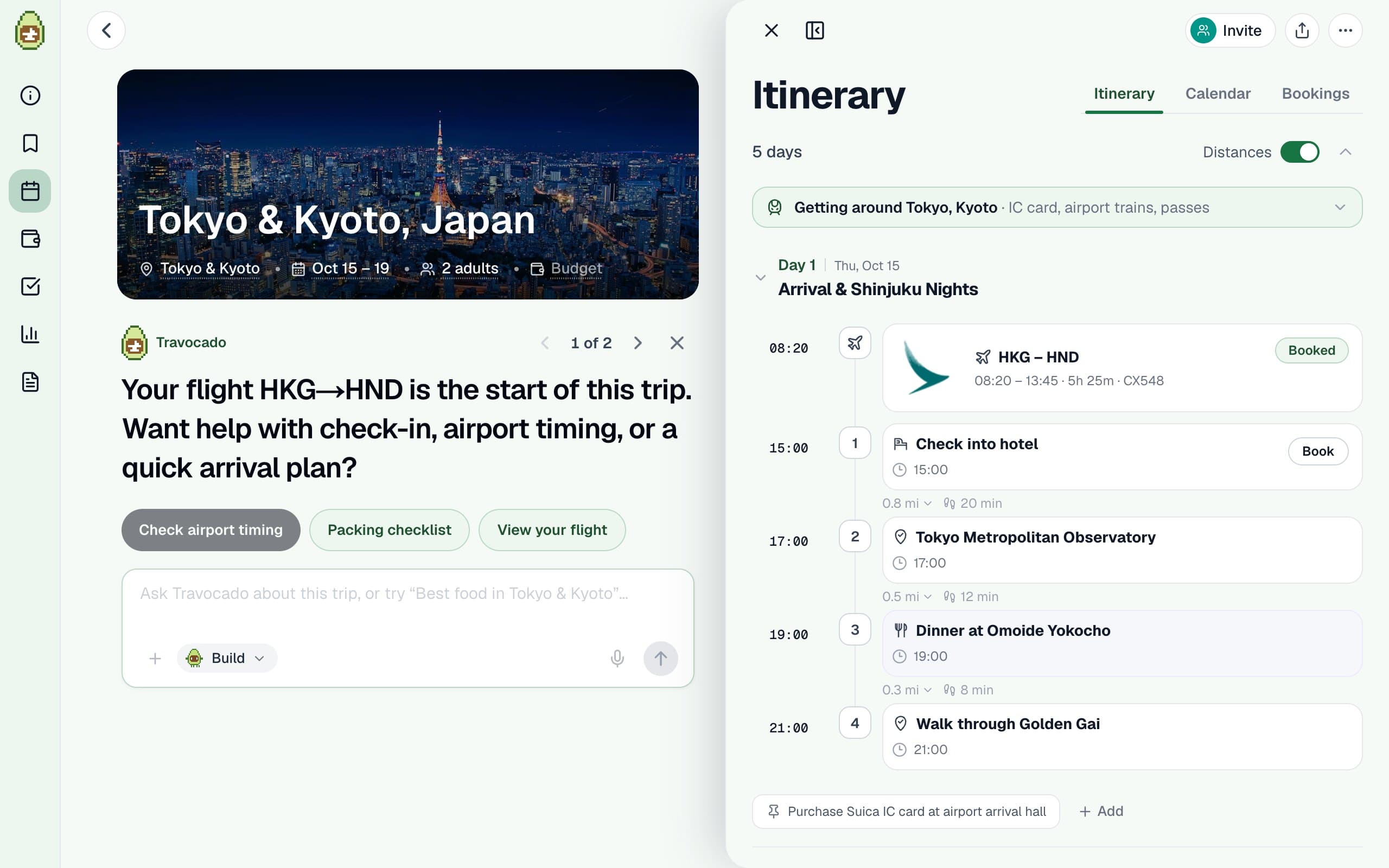

Books
Finds the
real prices.
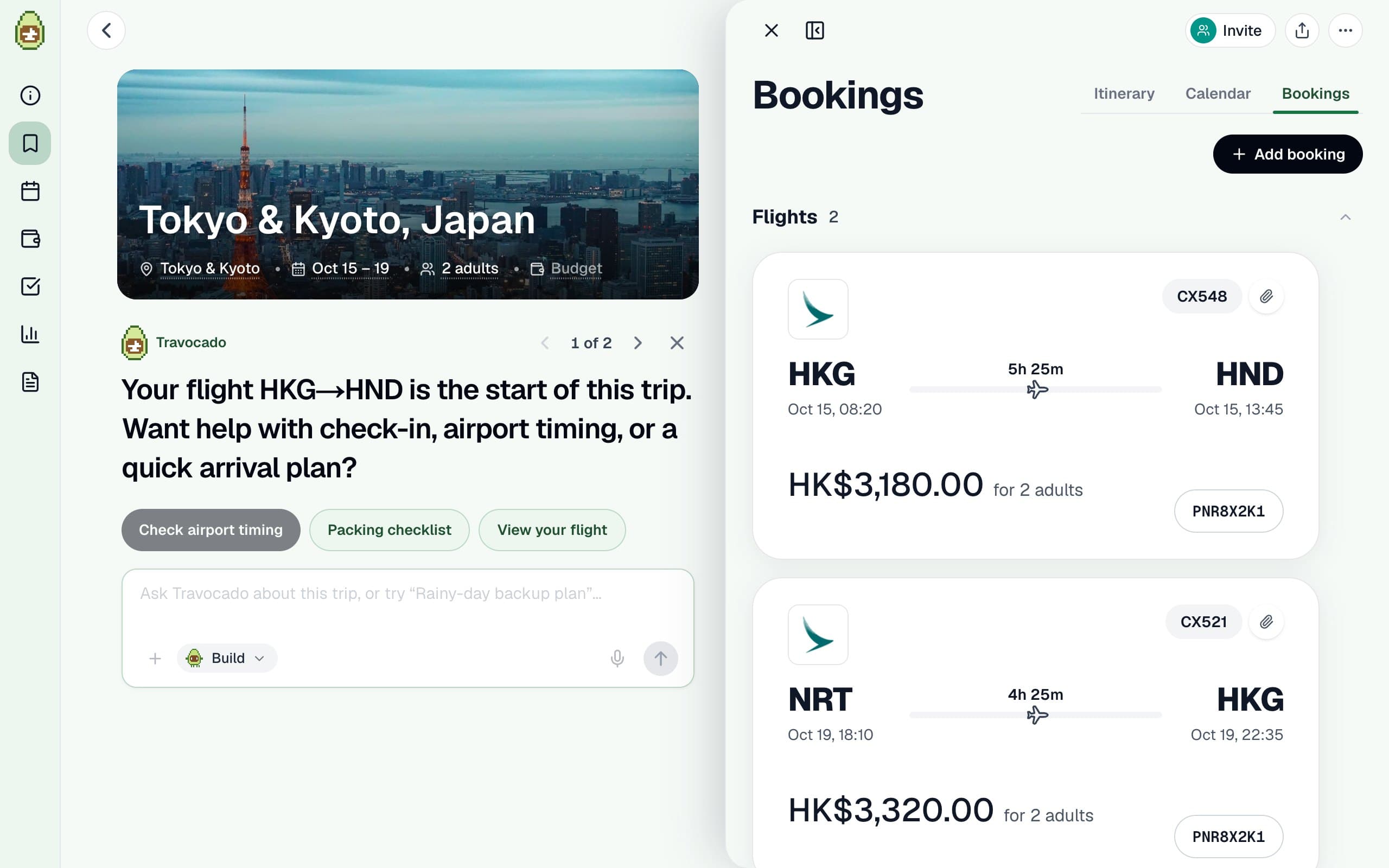
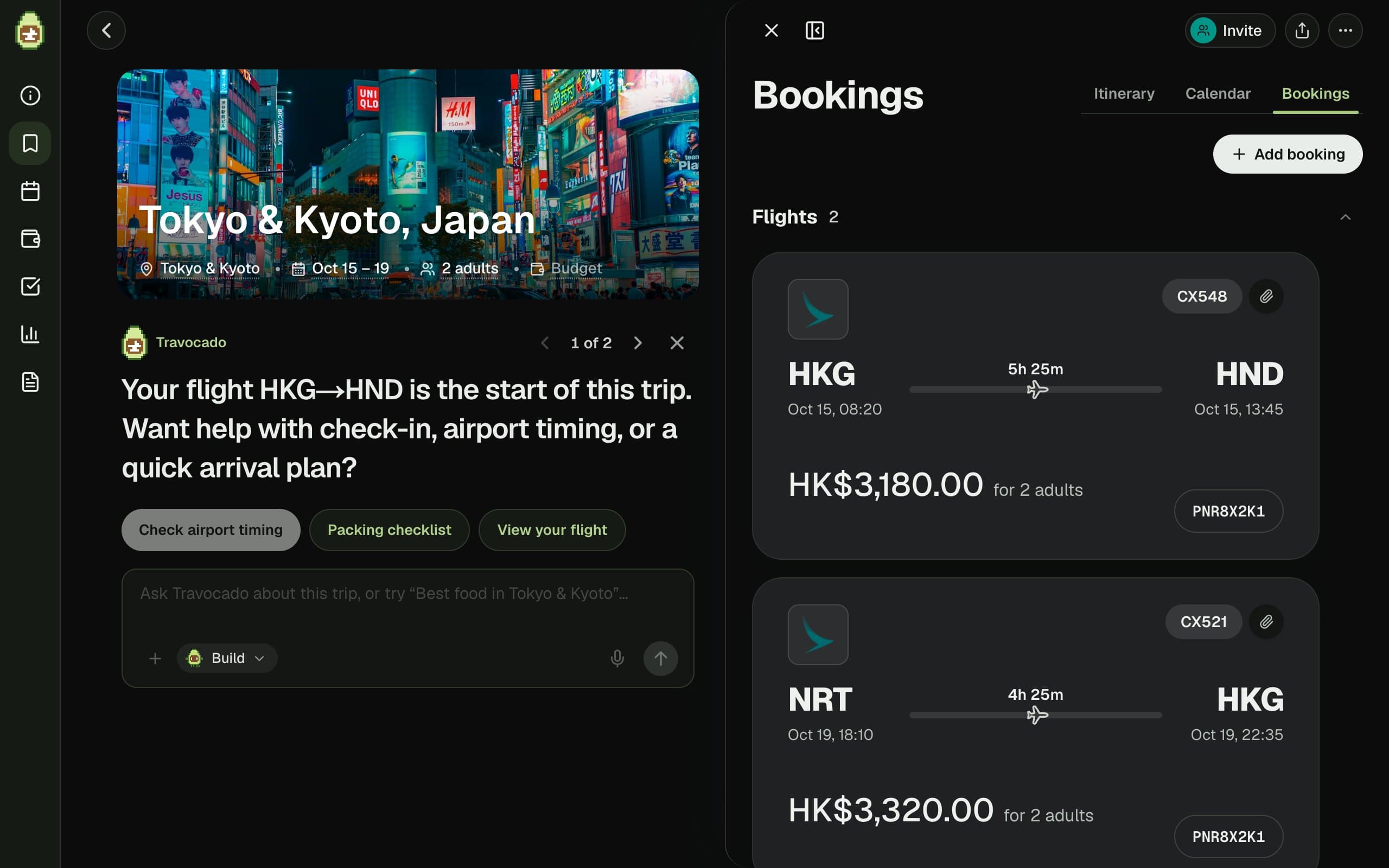
Flights and stays come priced across the booking sites that sell them, and land on the right days of the plan.
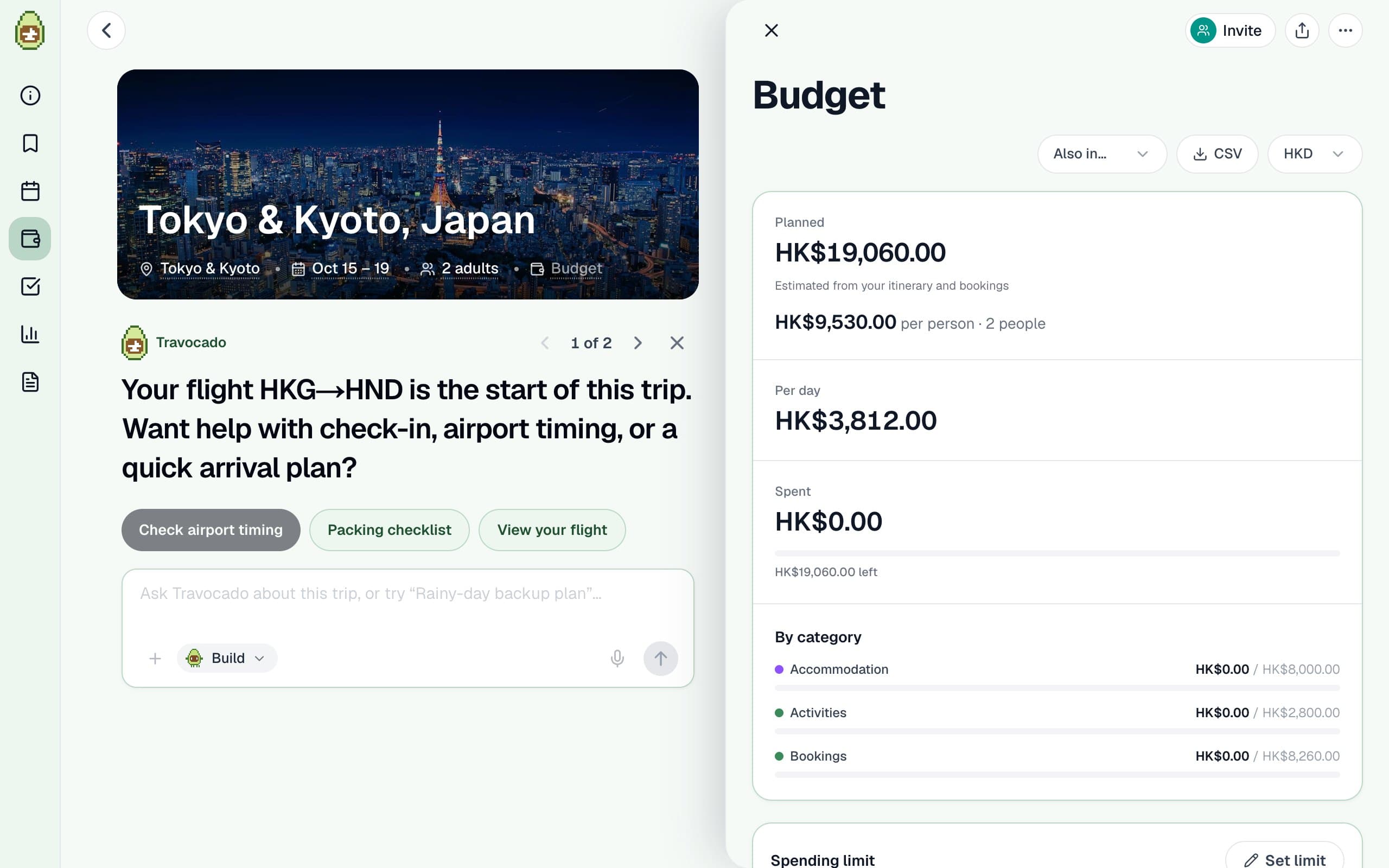
Budget
Adds it
all up.
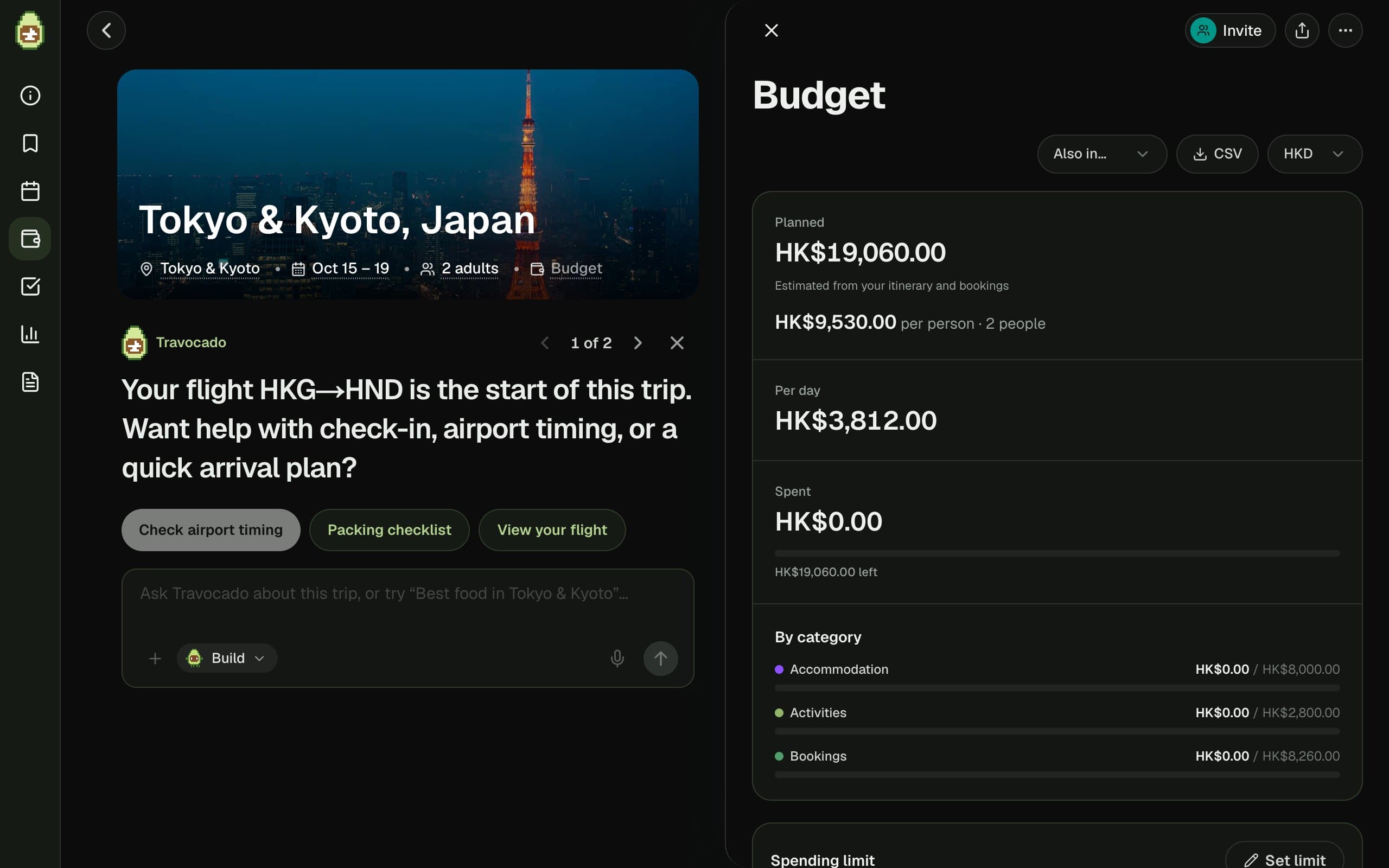
Flights, stays and meals in one budget, in your currency, so the total is clear before anything is booked.

Together
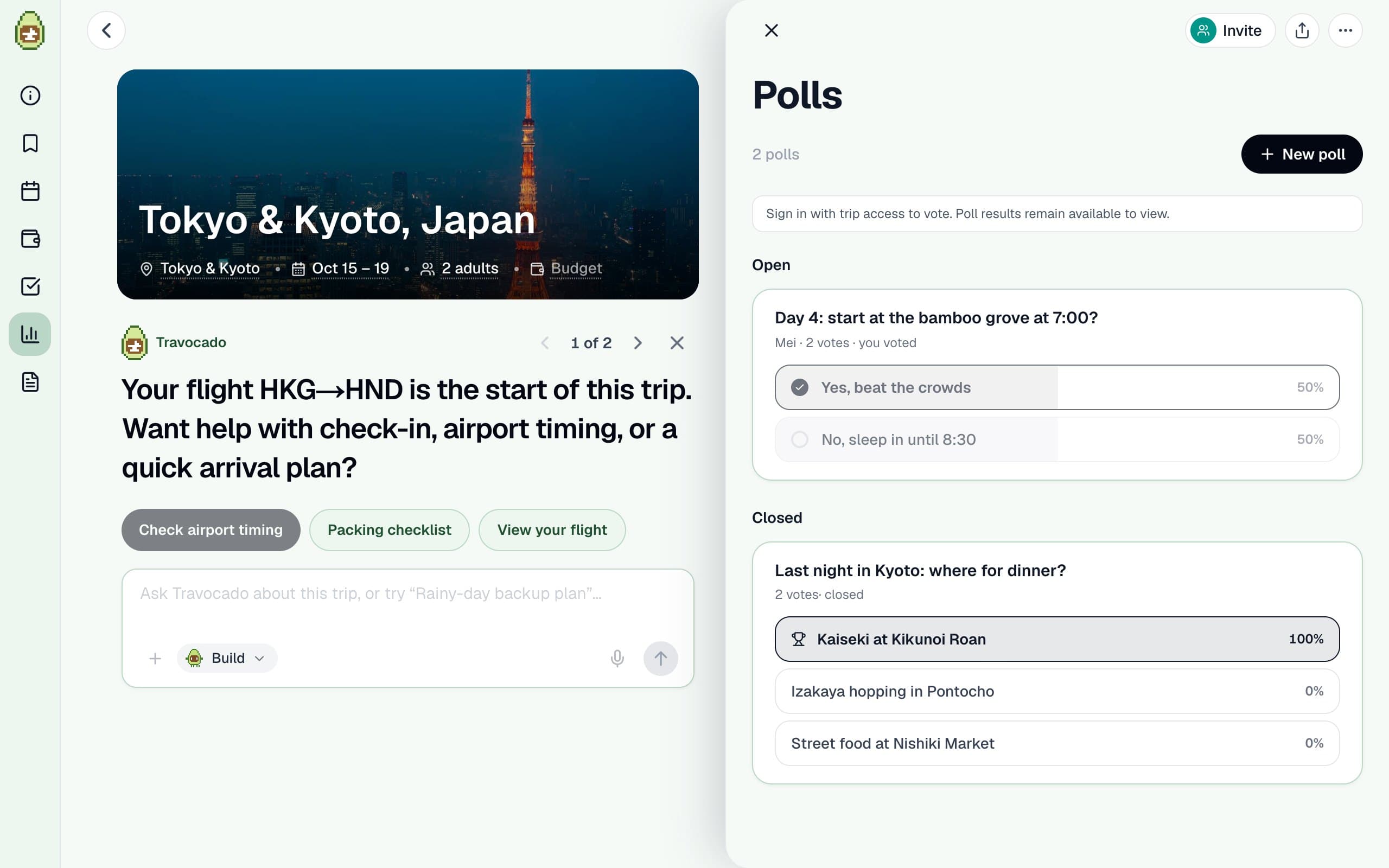
Plans it
together.
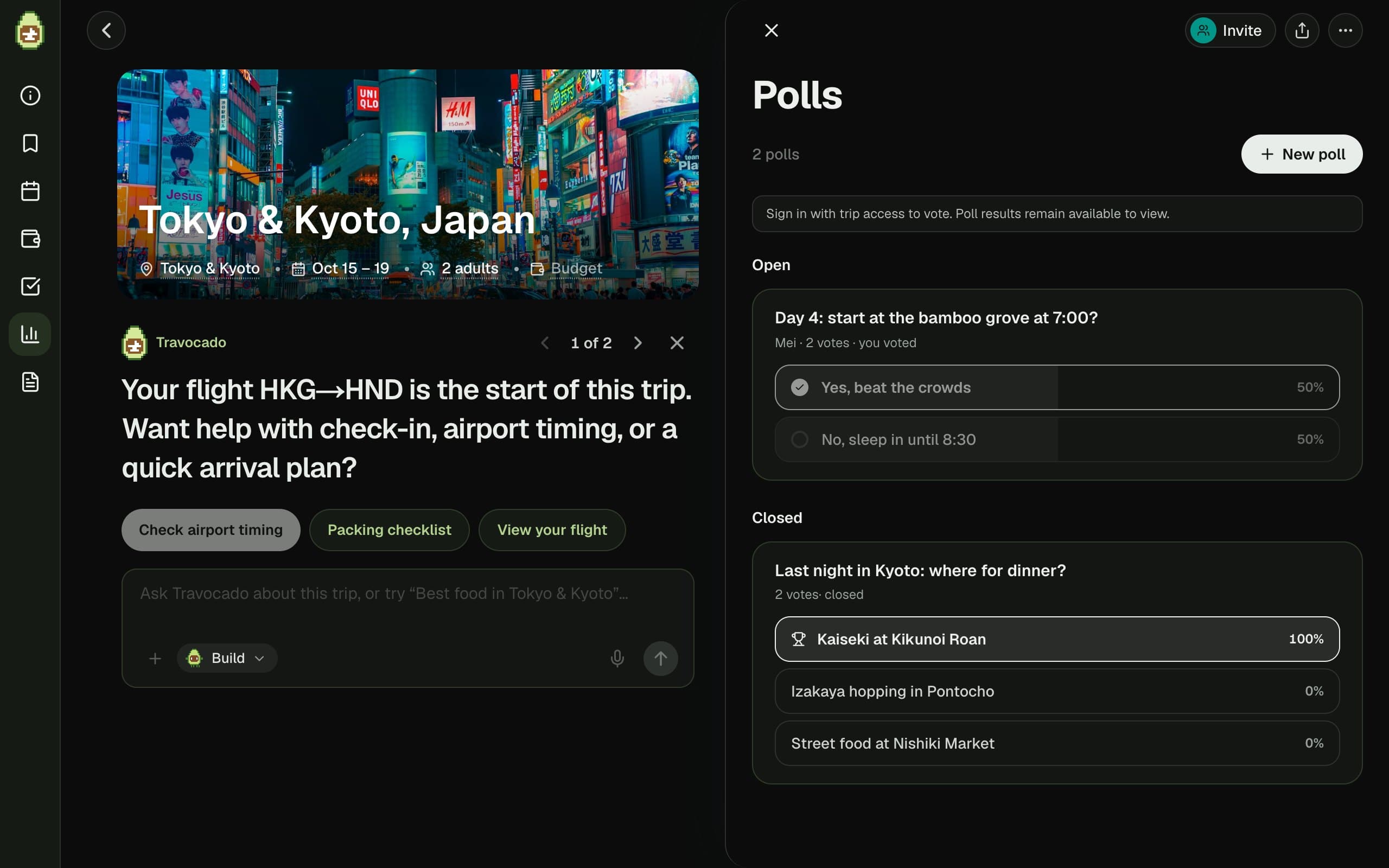
Share the trip, edit it at the same time, and settle the arguments with a quick poll instead of a long chat.
An agent, not a chatbot
Just ask.
It does the work.
Give it a whole job, like “five days in Tokyo and Kyoto for two”, and it works through it on its own: picks the route, searches flights and hotels, places every stop, checks opening hours and travel times, and fixes what doesn’t fit. It shows its progress as it goes.
Small asks work the same way. It edits the plan itself and tells you what moved.
- Rewrites one day
- Searches flights
- Finds hotels
- Checks opening hours
- Syncs your calendar
- Reads booking emails Soon
An example conversation about the sample trip
And everything around the trip.
The small things that usually end up in five other apps.
- 01
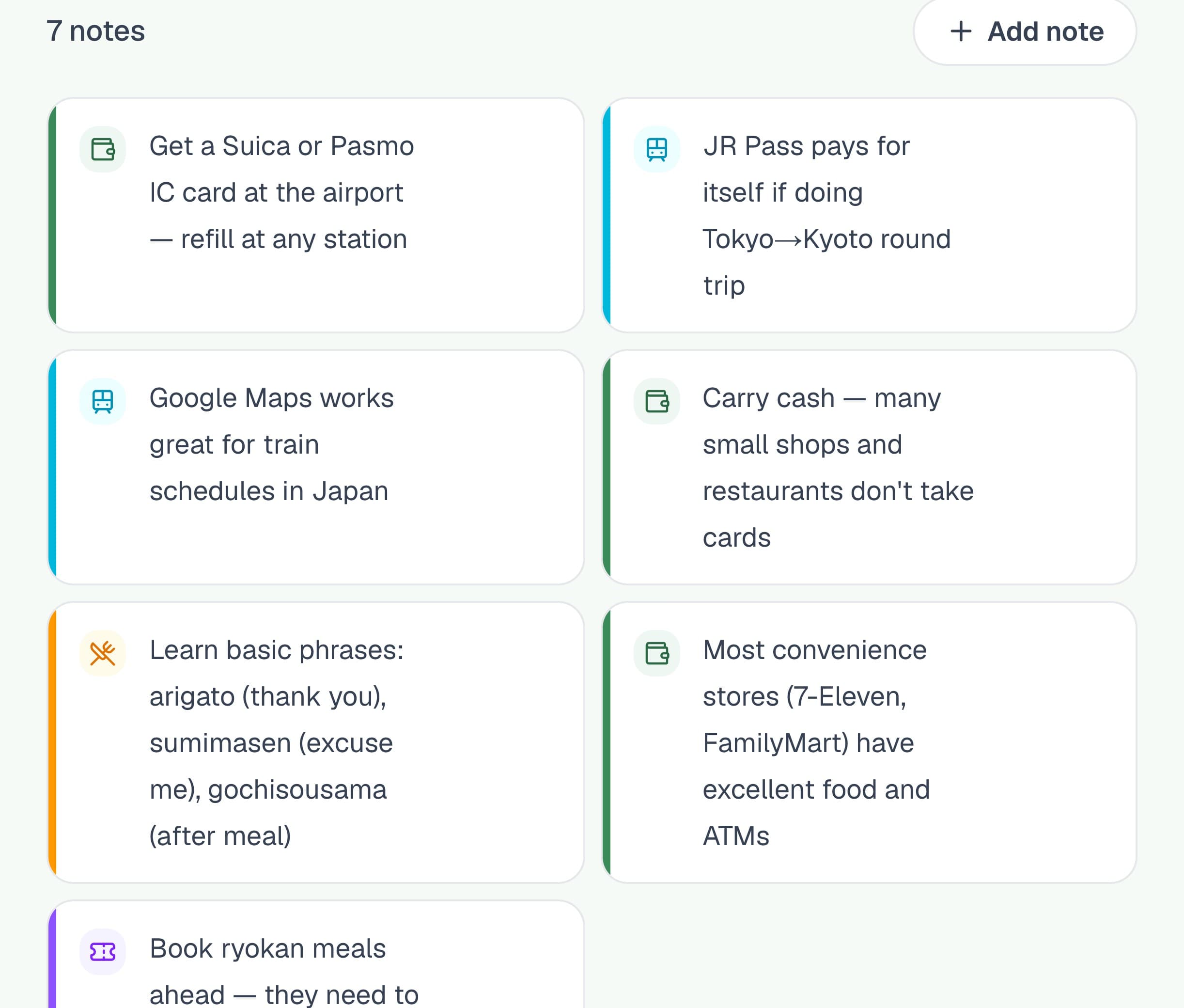
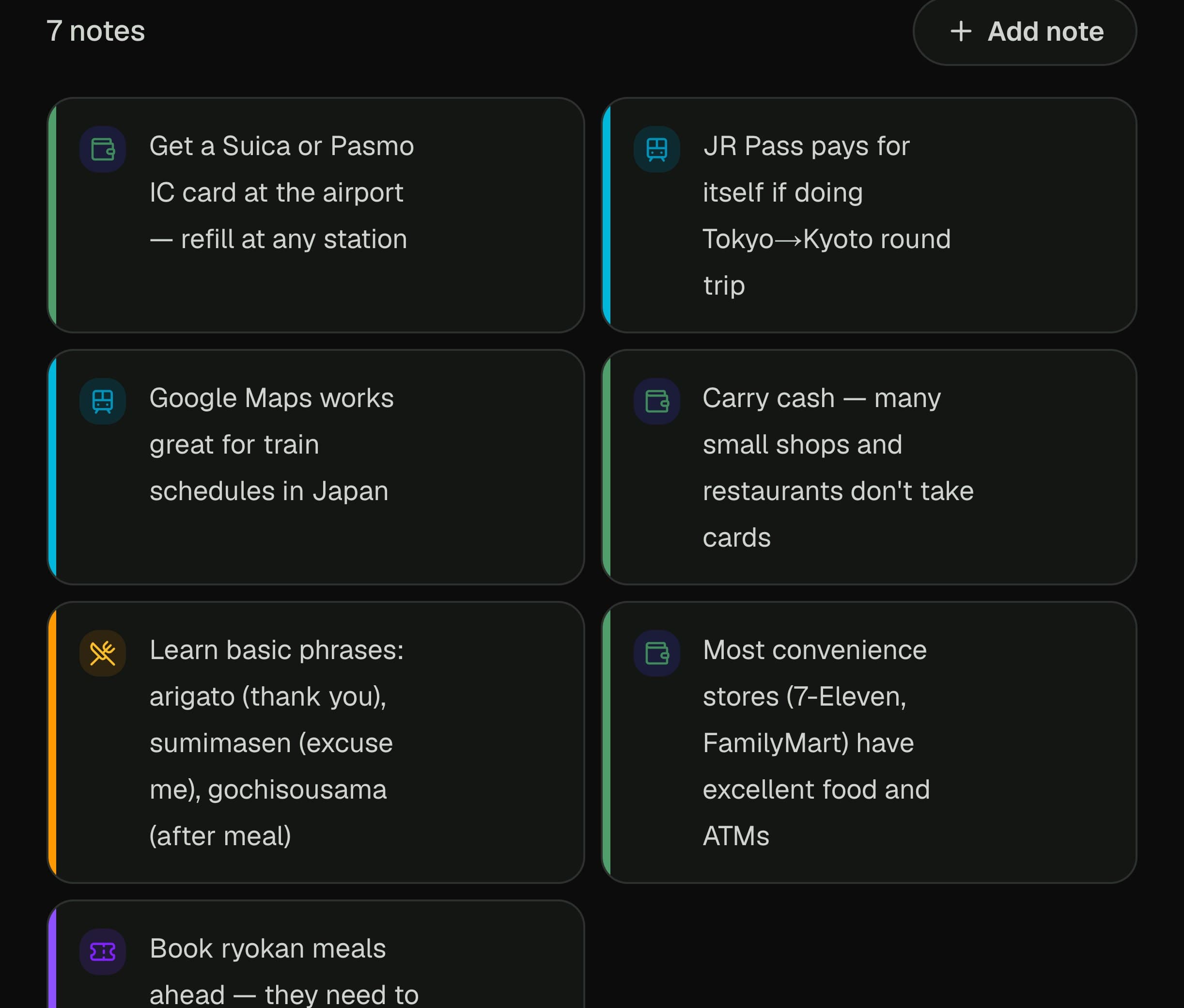
Notes the whole group sees
Tips, links and reminders kept with the trip, not lost in a chat. Type “/” to drop in a day of the plan or your bookings.
- 02
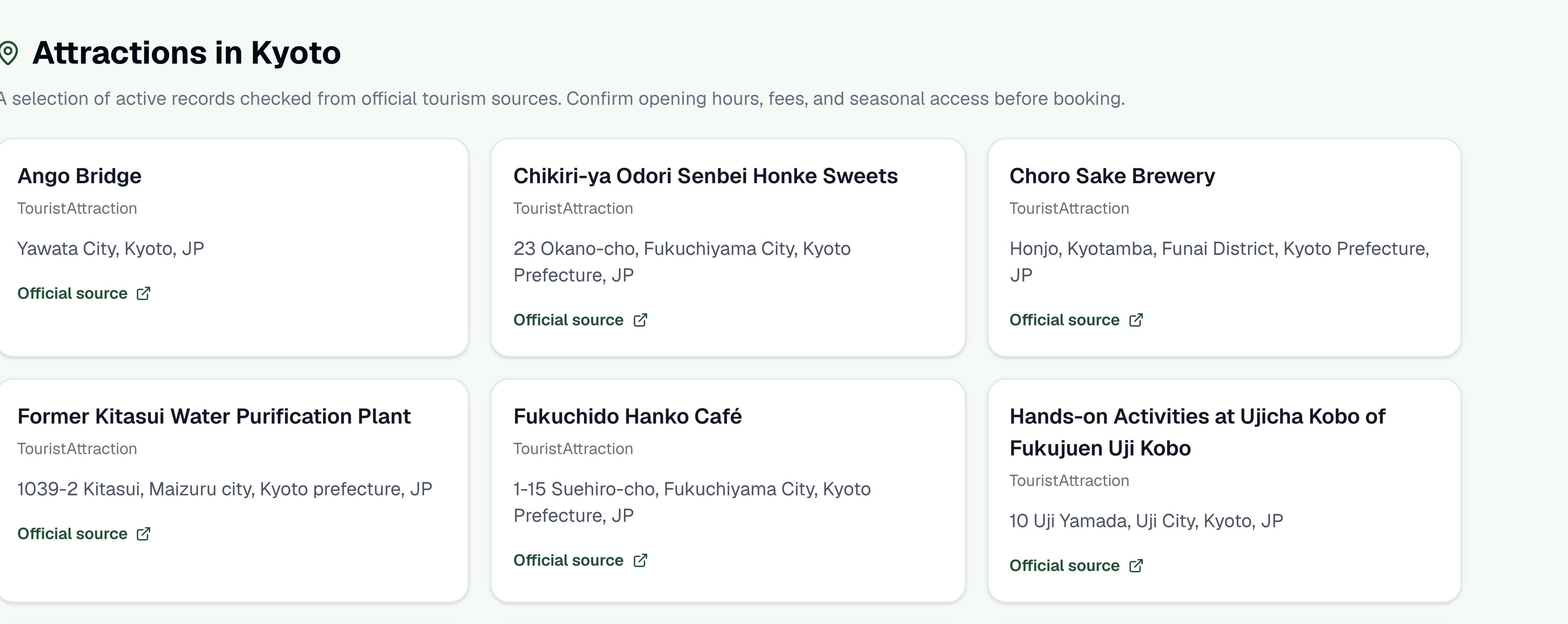
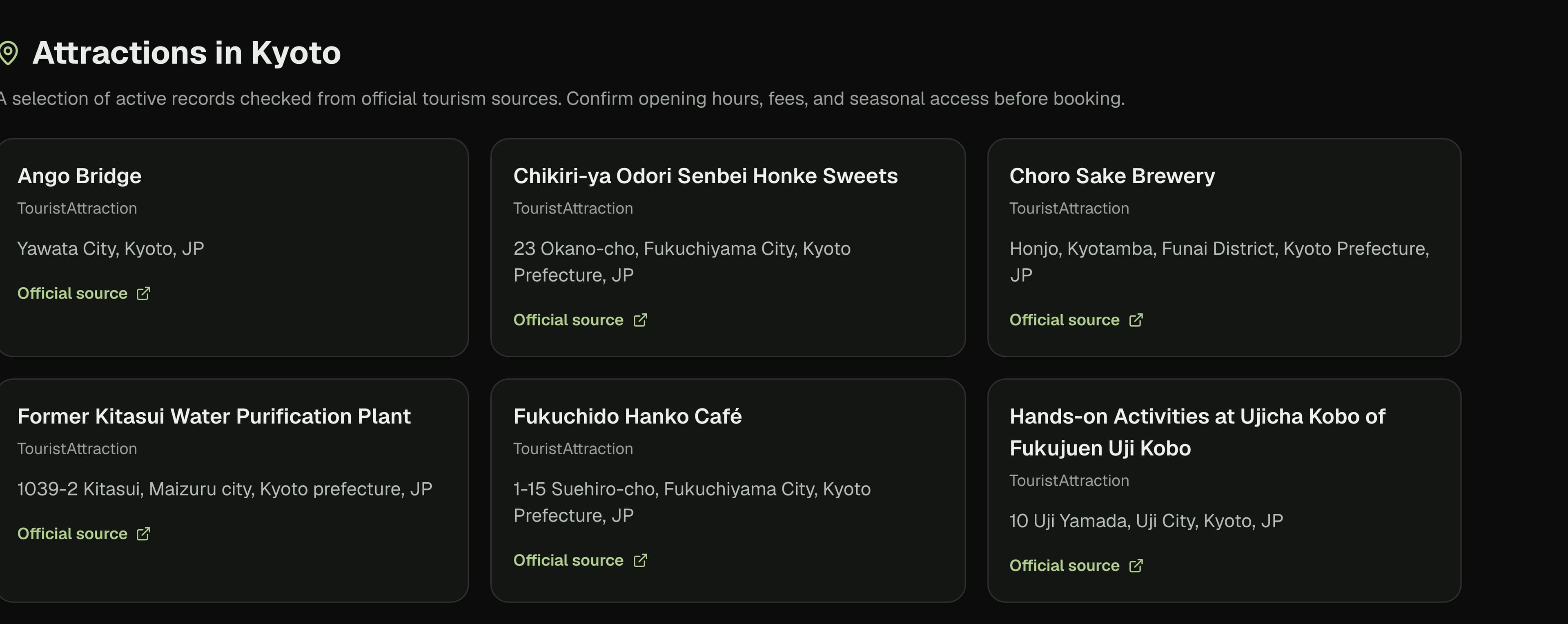
City guides from official sources
Attractions for cities across Japan, each linked to its official tourism page, ready to turn into a trip.
- 03
Entry rules, checked
Visa, passport validity and arrival forms for where you're going, waiting on the trip's checklist before you fly.
- 04
Every version kept
Undo a change, or go back to any earlier version of the plan. Nothing the assistant does is final.
- 05
Paced for who's coming
Travelling with small children or grandparents? Days get fewer stops, later starts and an earlier finish.
- 06
On your calendar
Sync the trip to Google Calendar or download it as a calendar file, so every stop is on your phone.
- 07
The forecast, when it counts
Once your dates are inside the forecast window, the assistant checks the weather and plans around rain.
Connected
Works with what you already use.
Your calendar, a search on the big booking sites already filled in, and a ride to the next stop.
Questions.
What is Travocado?+
Travocado is an all-in-one AI trip planner. It turns your destination, dates, group, budget and interests into an editable day-by-day itinerary, finds real flights and hotels, maps every stop, tracks your budget and expenses, and lets you share the trip with the people travelling with you.
Can I edit the itinerary after it is generated?+
Yes. Every trip stays editable. You can change activities, timing, notes, reservations, budget details, and checklist items instead of starting over.
Can I plan a trip with friends or family?+
Yes. Share a trip with your travel group so everyone can see the plan and make changes in the same workspace — it is one part of Travocado, not the whole product.
Does Travocado use real travel information?+
Travocado combines user preferences with travel data and verified place information where available. Always confirm opening hours, prices, and availability before booking.
Do I need to sign up before I start?+
You can describe a trip and begin planning before signing up. An account is needed to save and continue a trip across sessions.
Can I search for hotels and flights?+
Yes. Travocado includes flight and stay search experiences so you can compare travel options alongside your itinerary.
Where to next?
Start with an idea. No account needed until you want to keep the trip.